
Paraguay eSIM High Speed Data Supports Hotspot 30 Days 3-20GB Email Delivery (10GB for 30 Days)
Aperçu du produit
Marque: Générique
Prestataire de services: Claro
Technologie cellulaire: LTE
Dimensions du produit: 10L x 5l centimètres
Nombre d'articles: 1
- Paraguay eSIM with 4G/LTE Data.
- Hotspot / Tethering / Internet Sharing allowed
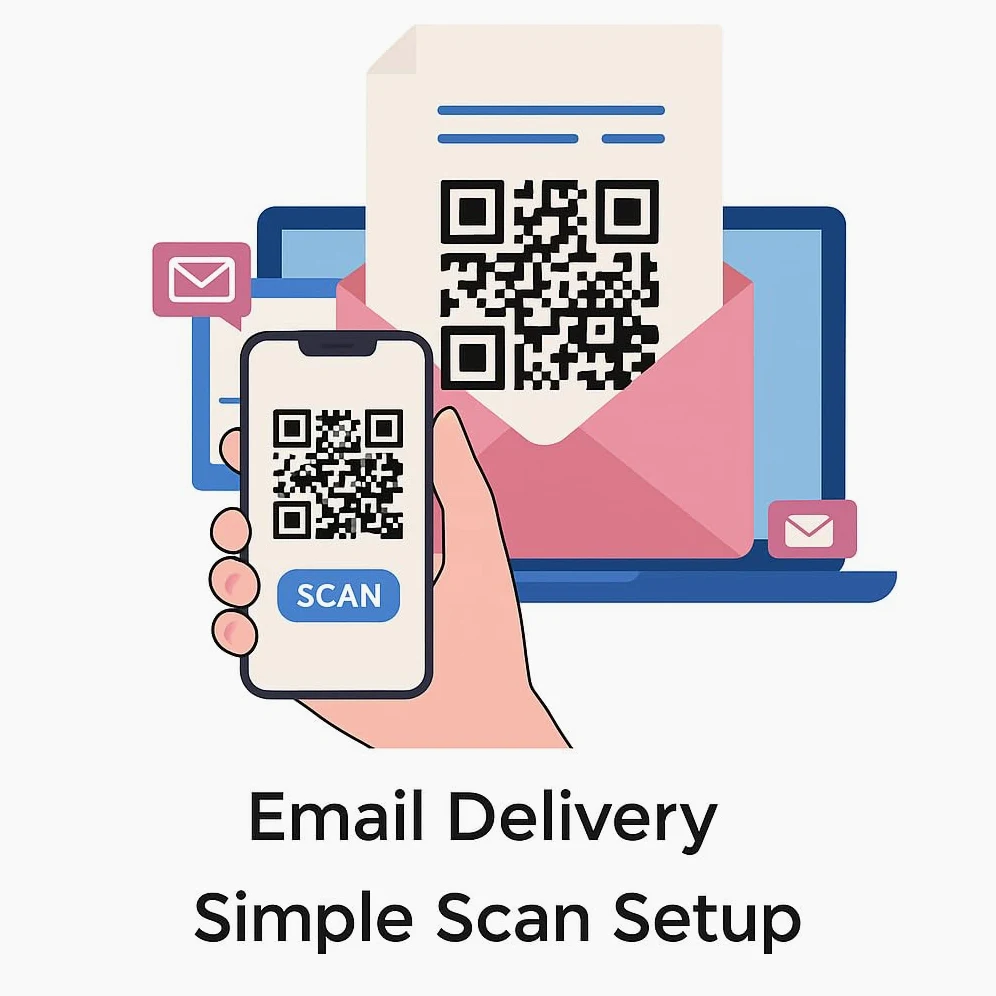
- Auto Activating! Validity starts when you scan the QR code. No physical SIM Card is sent to you. After purchasing, direct message us your email address or send your email address to [email protected] and you will receive the eSIM details(ie. QR code)+installation guide via email within 24 to 48 hours from [email protected]
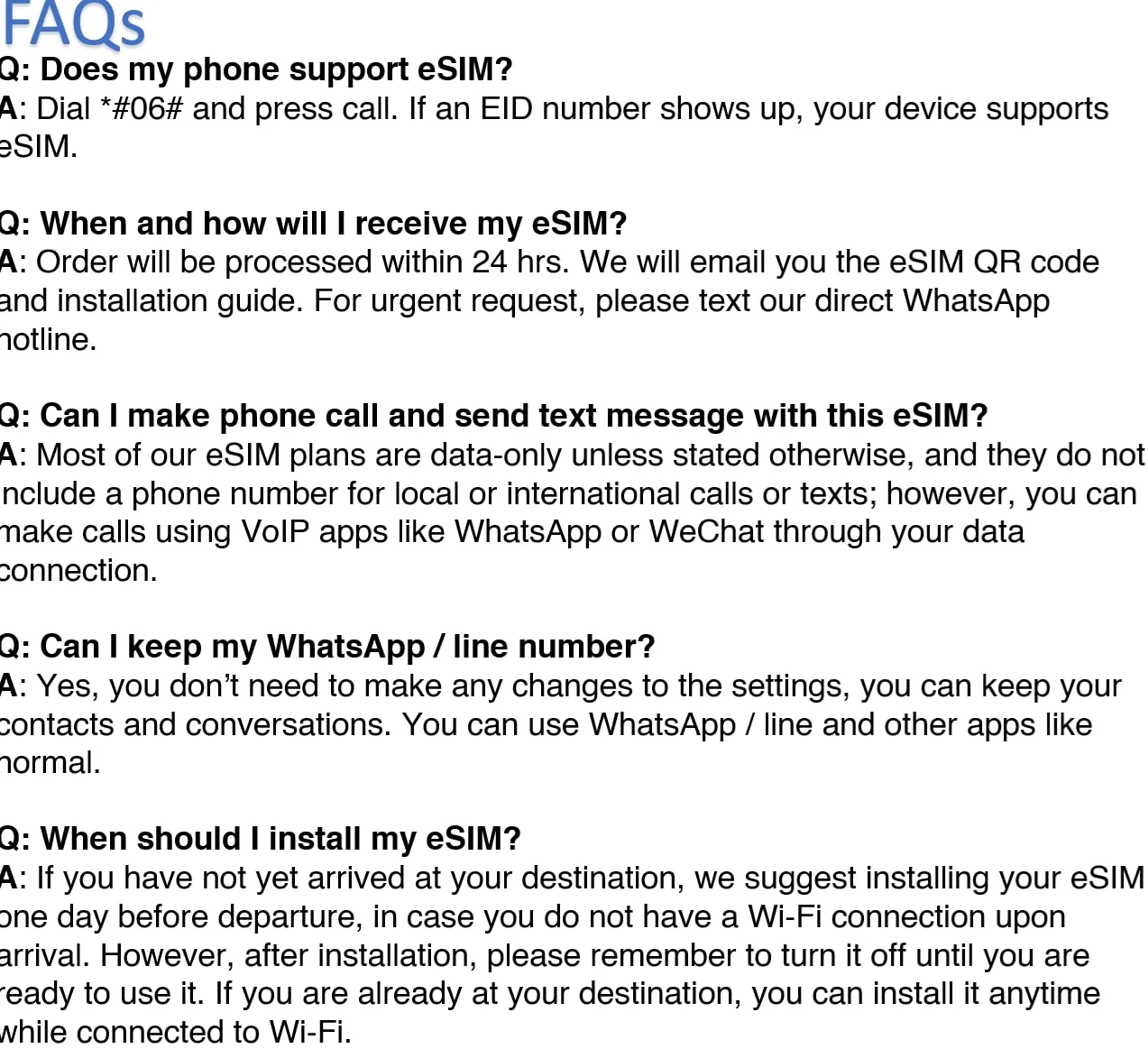
- Must use unlocked phone with eSIM capability. Generally iPhone 12 and Android 2021 onwards are compatible. Dial *#06# and press call. If an EID number shows up, your device supports eSIM
- Data-only eSIM / No phone calls / SMS. VPN Access to apps like WhatsApp, Facebook, Instagram, YouTube, Google Maps & more
- To access Amazon message center, please follow the steps most applicable to you: (1) Mobile: Click on “Your Account” (top right) > Tap “See all” under “Your Account” > Tap “Your messages” under “Message center” > Tap “Buyer/Seller Messages”. (2) Computer: Click on “Your Account” (top right) > Click “Your messages” > Toggle to “Buyer/Seller Messages